
Keep wind farmmaintenance moving
Aerokasix brings turbine records, fault diagnosis, work orders and team coordination into one workspace built for wind-farm operations and maintenance teams.
Free Demo for up to 5 users · No credit card · Your records are preserved if you move to Business
Built around the way wind farms actually work
Operations, maintenance, engineering and field work share one set of records, so information is not retyped in one system and lost in another.
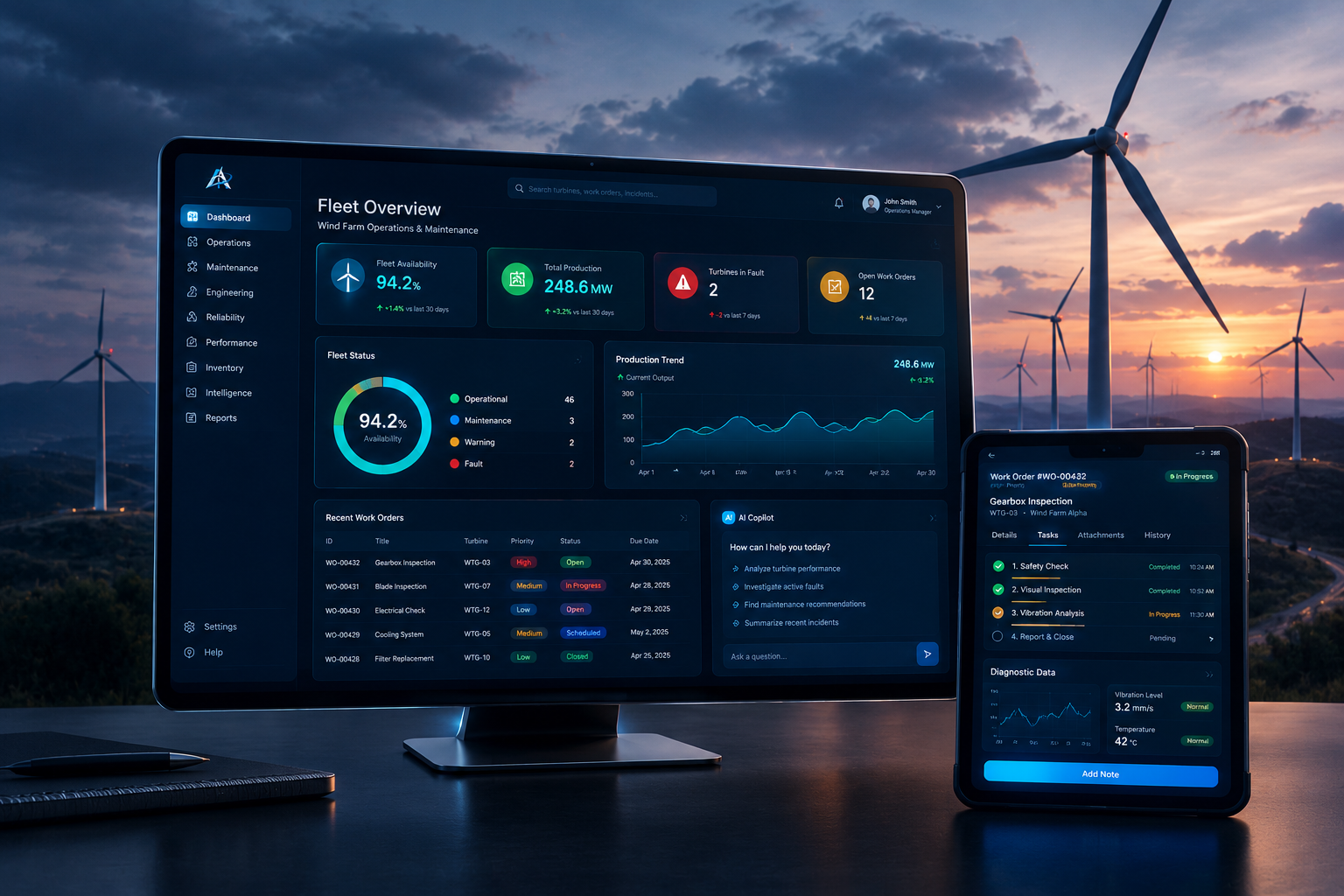
Fleet operations
See turbine status, active faults and open work across every farm you operate, with today's plan in one place.
Maintenance workflow
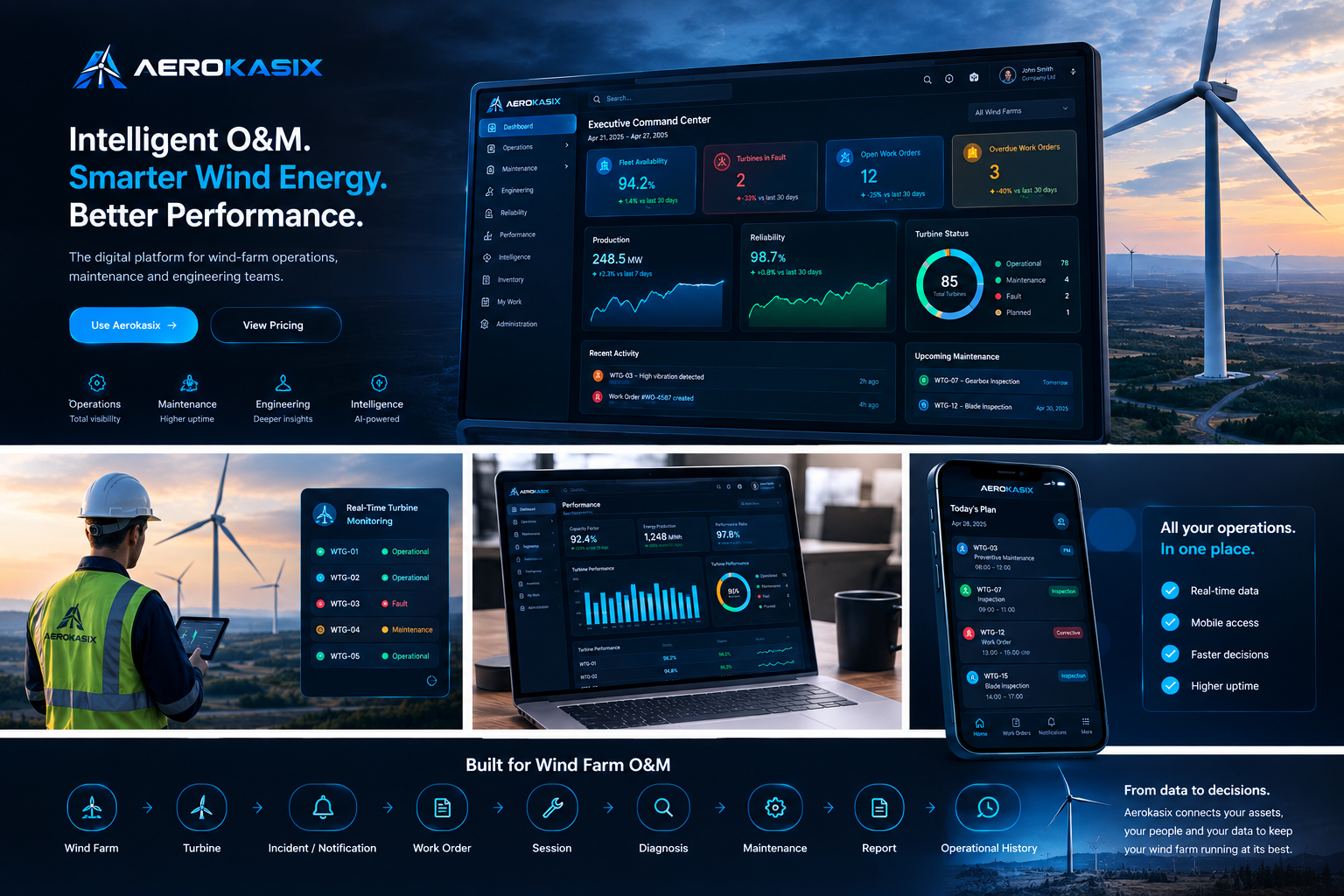
Turn an alarm, a notification or an inspection finding into a work order, a session and a signed report.
Engineering knowledge
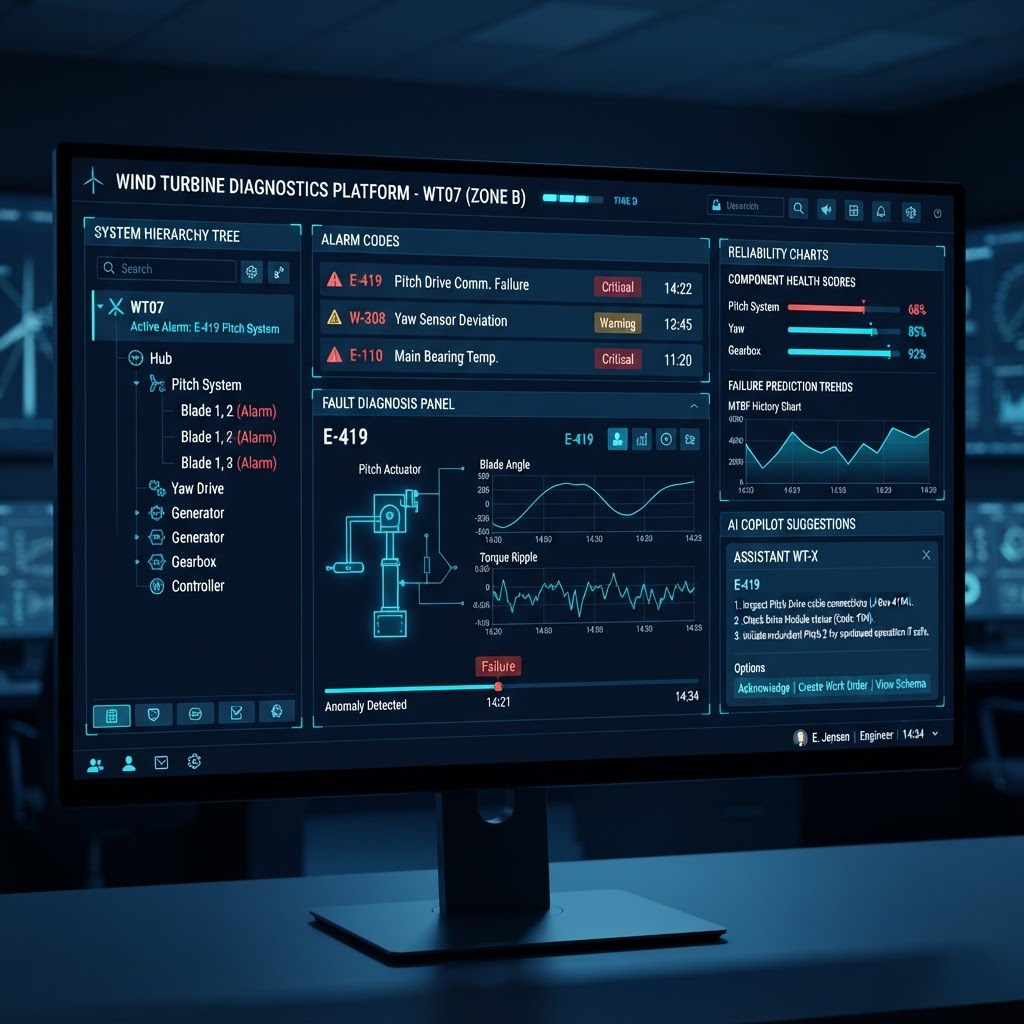
Keep alarm codes, OEM procedures and past repairs searchable, so a diagnosis does not start from an empty page.
Field work
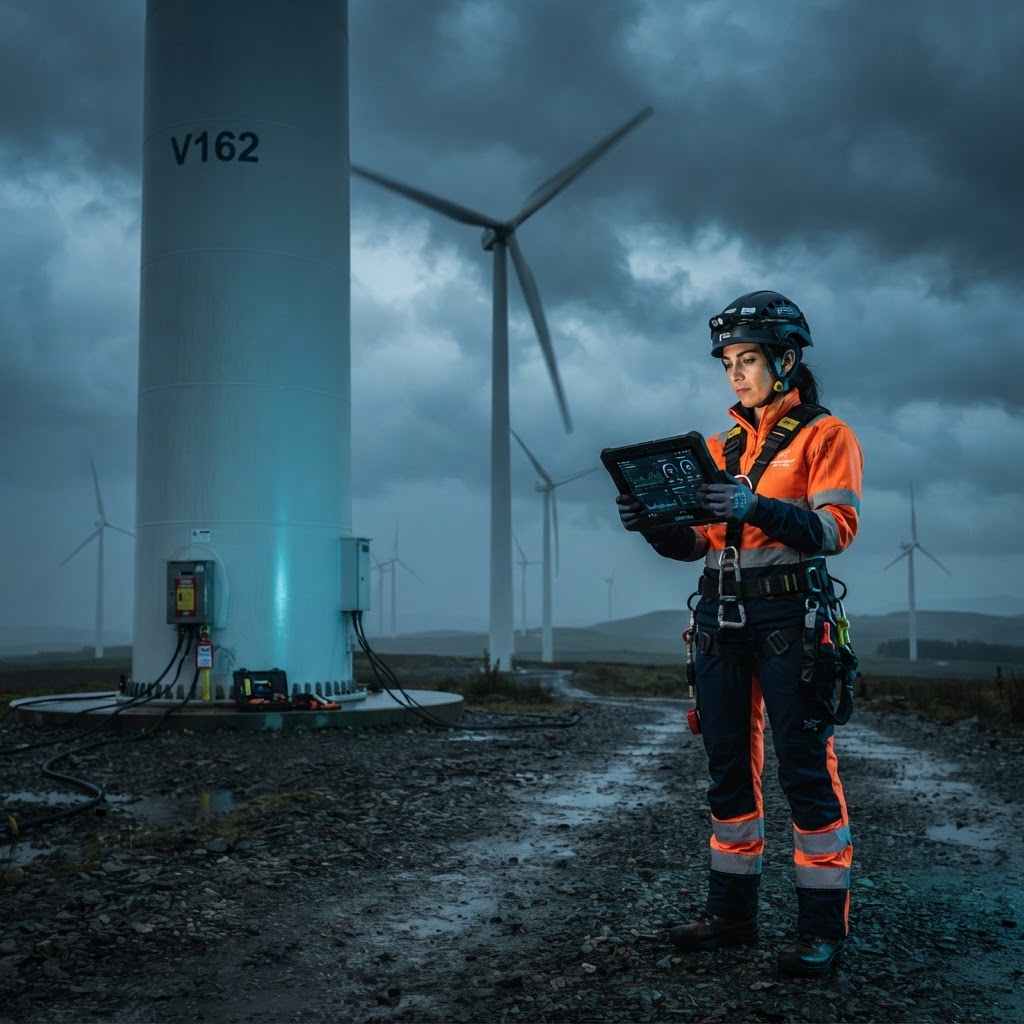
Technicians work from the plan, follow guided steps and record findings, parts and photos at the turbine.
Built for the people keeping turbines running
A technician arrives with a work order, a safety checklist and the history of that turbine. Aerokasix keeps the diagnosis, the parts used, the photos and the closing report in one record the next crew can read.
What supervisors and managers need to see
Fleet condition, open faults, work in progress, overdue jobs and reliability trends on one screen, so the next assignment is based on data rather than the last phone call.
Illustrative dashboard preview — not actual customer data.
Diagnosis support built on your own records
Alarm knowledge, OEM documentation and past interventions come together while a fault is being investigated, so the quality of the answer does not depend on who happens to be on shift.
Fault diagnosis
Follow a structured path from alarm to root cause instead of starting again from scratch.
Alarm and technical knowledge
Search alarm codes, causes, procedures and OEM references across your own library.
Historical context
See what was done on this turbine before, which parts were used and how the work ended.
Standardized troubleshooting
Turn a proven fix into steps the next technician can follow.
Guided sessions
Steps, measurements and findings are recorded while the work happens, not afterwards.
Copilot assistance
Ask questions about a fault in context and get answers drawn from your own records.
Recommendations are guidance, not approval. Safety-critical work remains governed by approved procedures, OEM requirements and authorized personnel.
The same records in the office and at the turbine
Aerokasix runs in the browser on desktop, tablet and phone. What is recorded in the field is what management sees.
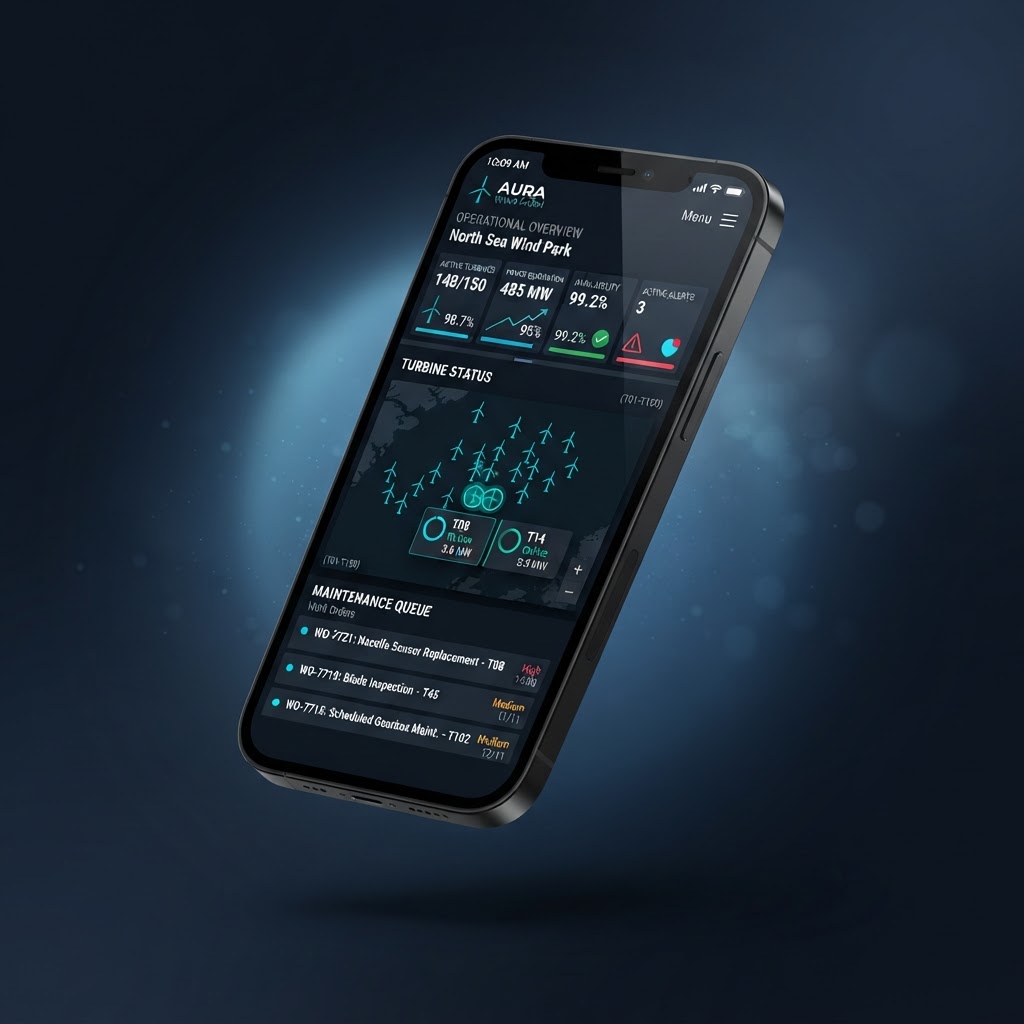
Nothing has to be written up twice. A technician closes a step at the turbine and the work order, the parts used and the report are already updated in the same record.
Invited users only. Field access follows the same permissions as the desktop app.
From event to resolution
Aerokasix connects the steps of a maintenance job, so the record is complete when the work is finished and reporting starts from data rather than memory.
Inside the platform
Four areas of work on one shared set of records. Every module listed here is part of the platform.
Operations
- Fleet overview
- Today's plan
- Operational notifications
- Turbine status
Maintenance
- Incidents
- Work orders
- Maintenance sessions
- Maintenance planning
Engineering
- AI Copilot
- Fault diagnosis
- Technical knowledge
- Repair history
Analytics
- Reliability
- Performance
- Activity reporting
Start free, then scale with your team
The Demo is free for up to five active users. Business is priced around your fleet, your team size and the way your team works.
How the Demo limit works
A seat is one person with an active Aerokasix account, and the Demo includes five. Turbines, wind farms, work orders, incidents, sessions and reports are records rather than seats, so they do not count against the limit. When your team needs more people, we talk about Business with you: nothing changes automatically and nothing is charged.
Demo
Up to 5 users
The full platform, limited to five users, so your team can put real work through it before you commit to anything.
- Up to 5 active users
- Full platform access for evaluation
- Wind farms, turbines, incidents & work orders
- Maintenance sessions & AI Copilot
- No credit card required
Business
Talk to our team
A working environment for teams running a real fleet, priced for your team size and the farms you operate.
- Advanced wind-farm operations management
- Maintenance, incidents & notifications
- Work Orders & Maintenance Sessions
- Engineering tools & alarm knowledge
- Reliability and Performance analytics
- Inventory & spare parts management
- AI Copilot & Intelligence
- Workforce management & reporting
- Role-based permissions & multi-user collaboration
Need a quote? Send us your team size and the fleets you operate and we will price it.
Separated by company, governed by roles
Every record belongs to one company, and permissions decide who can see it and who can change it.
Company-level separation
Records are scoped to one company and are not reachable from another, including through search and reports.
Role-based access
Technicians, engineers, supervisors, managers and administrators each see the areas their role allows.
Invited users only
Only invited, active users can sign in to your workspace. Deactivating a user frees their seat.
Records that stay
Work orders, sessions, findings and reports are kept as records, with an audit trail of who changed what.
Frequently asked questions
How the Demo, seats and company data separation work.
Tell us about your fleet
Request a demo or ask about Business pricing. Tell us how many wind farms and users you have and we will come back with a straight answer.